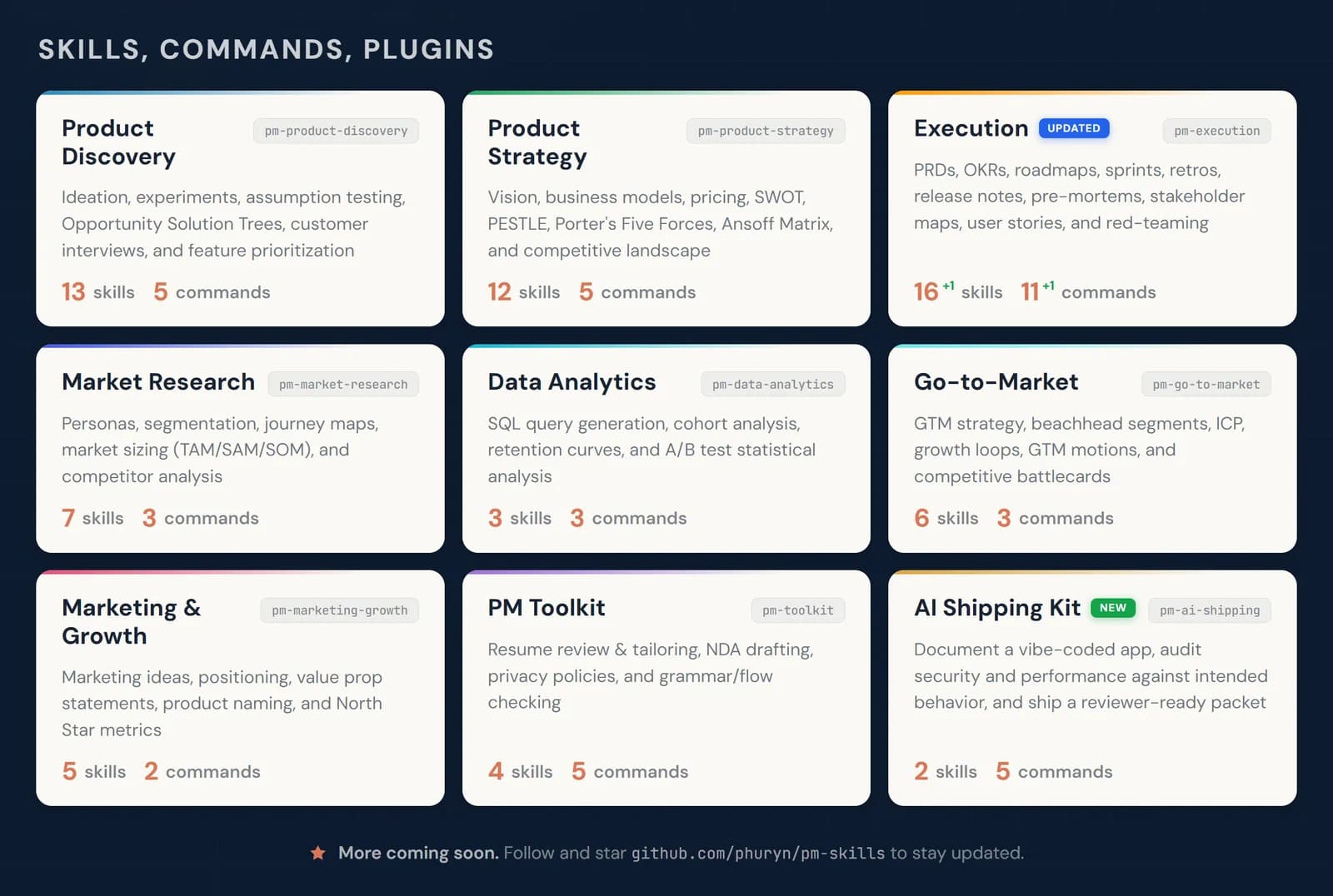
Competitor Analysis
Maps your main competitors and shows where you can stand out
by Pawel Huryn



Runs a structured review of published research and writes up the findings

Guides a systematic or narrative literature review: searching sources such as PubMed, arXiv and Semantic Scholar, screening and removing duplicates, pulling out key findings and summarizing them with checked citations. The result is a Markdown or PDF report with a record of how studies were selected. Suited to students, researchers and analysts writing research briefs.
Brings a disciplined, citation-checked research workflow to people who aren't trained in systematic reviews.
Steps follow the creator's instructions.
Tell us what happened. We confirm scope and price before any paid work.
Maps your main competitors and shows where you can stand out
by Pawel Huryn

Converts PDFs, Word, Excel, PowerPoint and more into Markdown text an AI can read
by Microsoft

Finds recent news on a topic, sums up each article and saves a tidy digest to a file
by Langflow