
OpenCode
Lets you hand coding tasks to an open source AI agent that works with many model providers
by Anomaly



Lets you hand coding tasks to OpenAI's agent, which edits and runs code on your computer
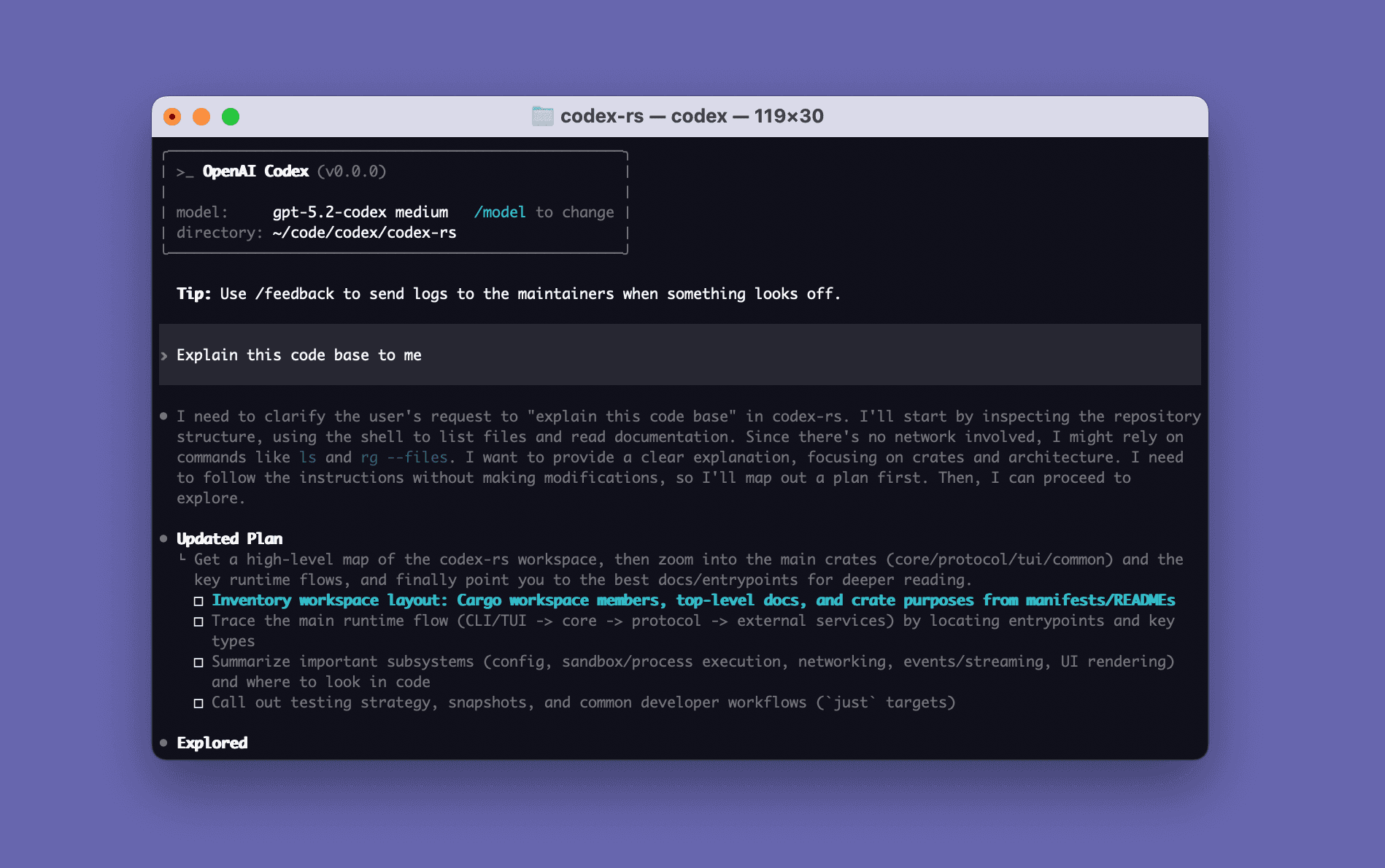
Codex CLI is OpenAI's coding agent that runs locally on your computer. You describe a change in plain words; it inspects the files in your project, makes edits and runs the tools already installed on your machine. You choose the model and how much permission it gets, and you can also call it from scripts. It suits developers and technical makers who work in the terminal.
It is open source and runs on your own computer, so you can see exactly what it changes.
curl -fsSL https://chatgpt.com/codex/install.sh | shWindowspowershell -ExecutionPolicy ByPass -c "irm https://chatgpt.com/codex/install.ps1 | iex"macOS, Windows, Linuxnpm install -g @openai/codexSteps follow the creator's instructions.
Tell us what happened. We confirm scope and price before any paid work.
Lets you hand coding tasks to an open source AI agent that works with many model providers
by Anomaly

Runs open AI models on your own computer for private chat and for other apps to use
by Ollama

Lets you hand coding tasks to Anthropic's AI agent in your terminal, editor or desktop app
by Anthropic