Skip to content

SkillFreeBeginner

Animated Web Slides

Builds a good-looking animated slide deck that opens in any web browser
View original on GitHub

Install request

Your browser blocked copying. Select the text and copy it yourself.

Paste this into your AI agent (Claude Code, Codex or similar). It asks the agent to read the files and wait for your OK before installing.

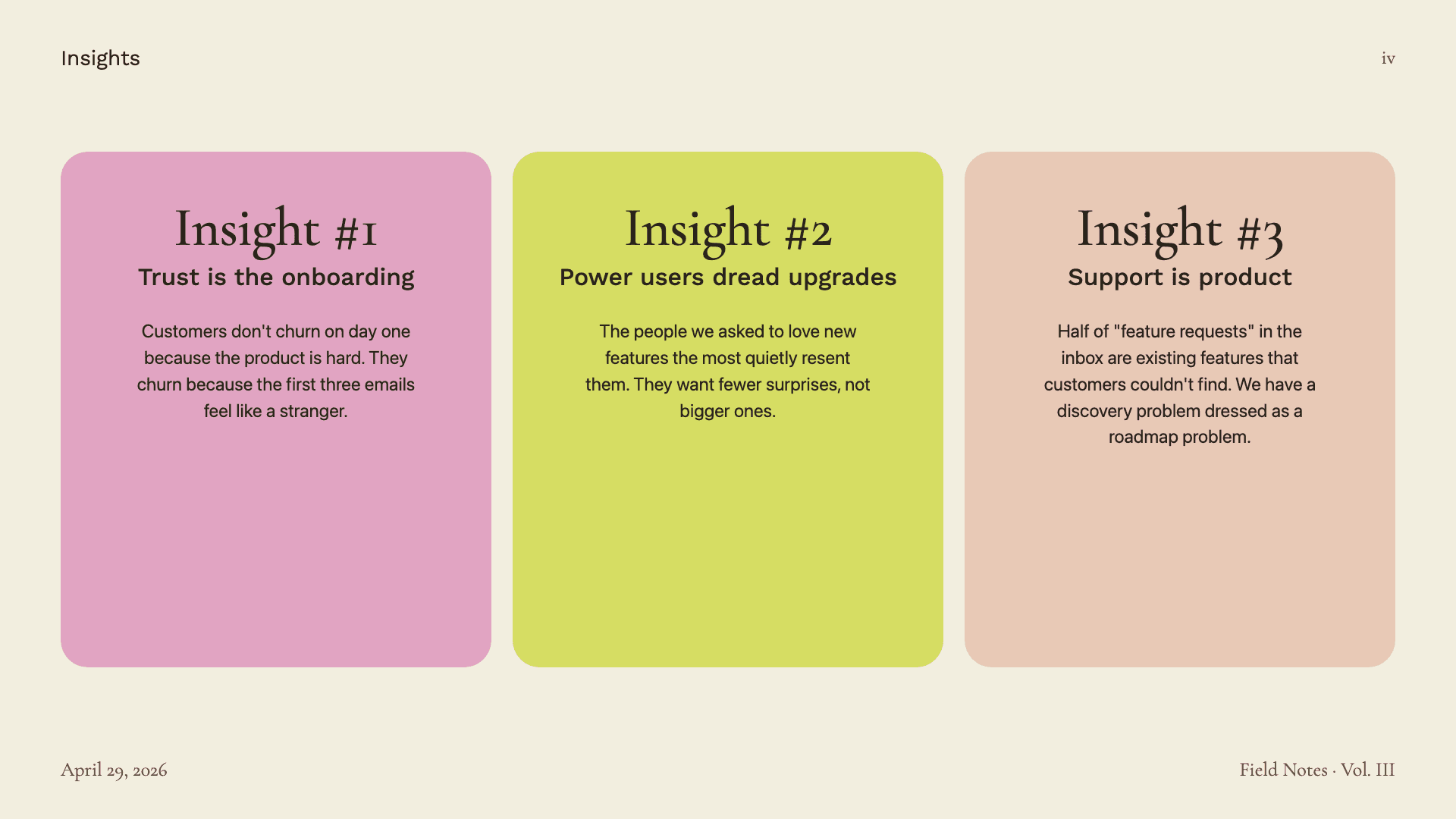
A finished slide with three insight cards, from the template library this skill uses
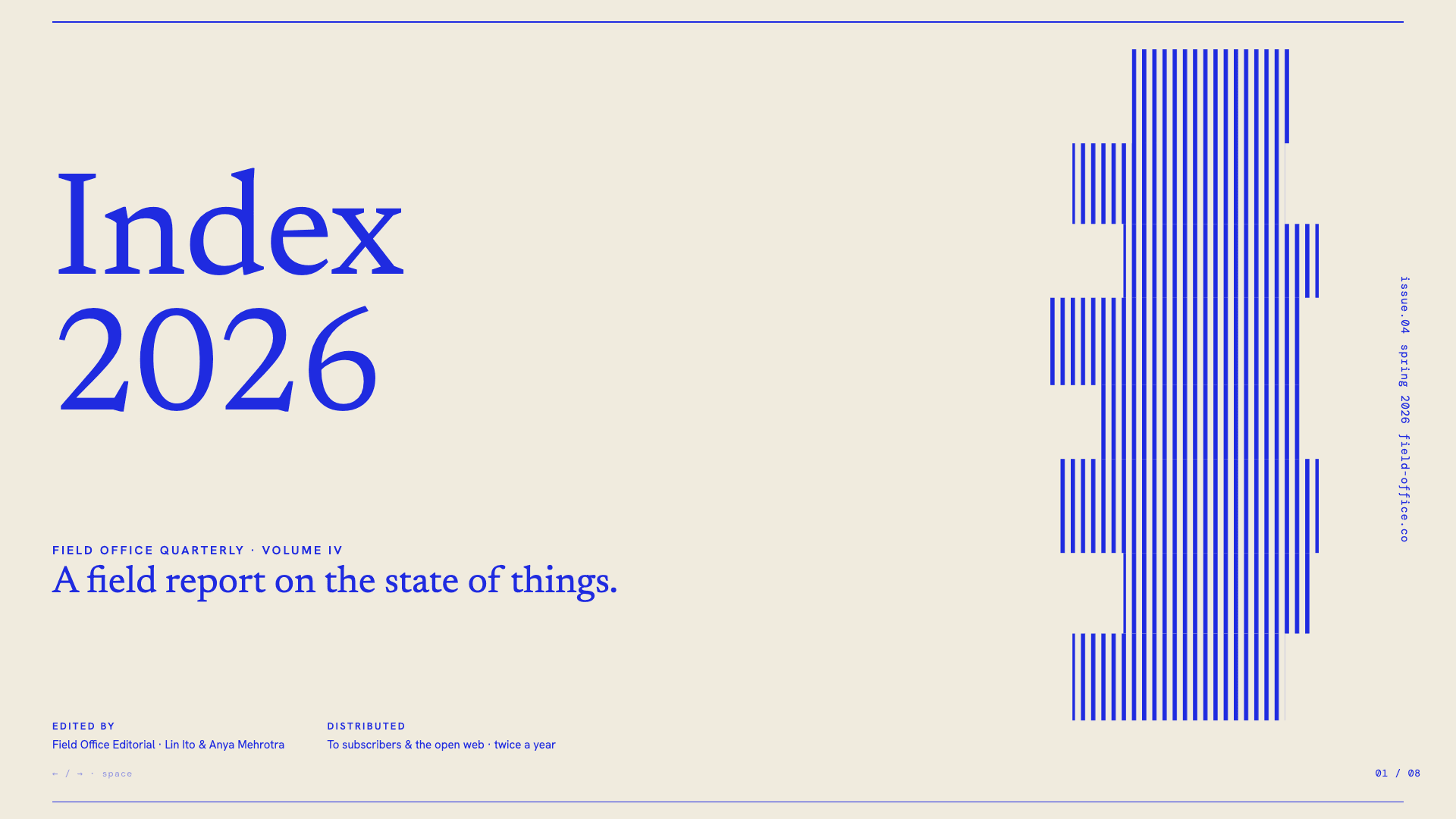
A title slide reading Index 2026 in a cobalt grid template
A Quarterly Review 2026 title slide in a forest green editorial template
A bold grid title slide about data-driven finance
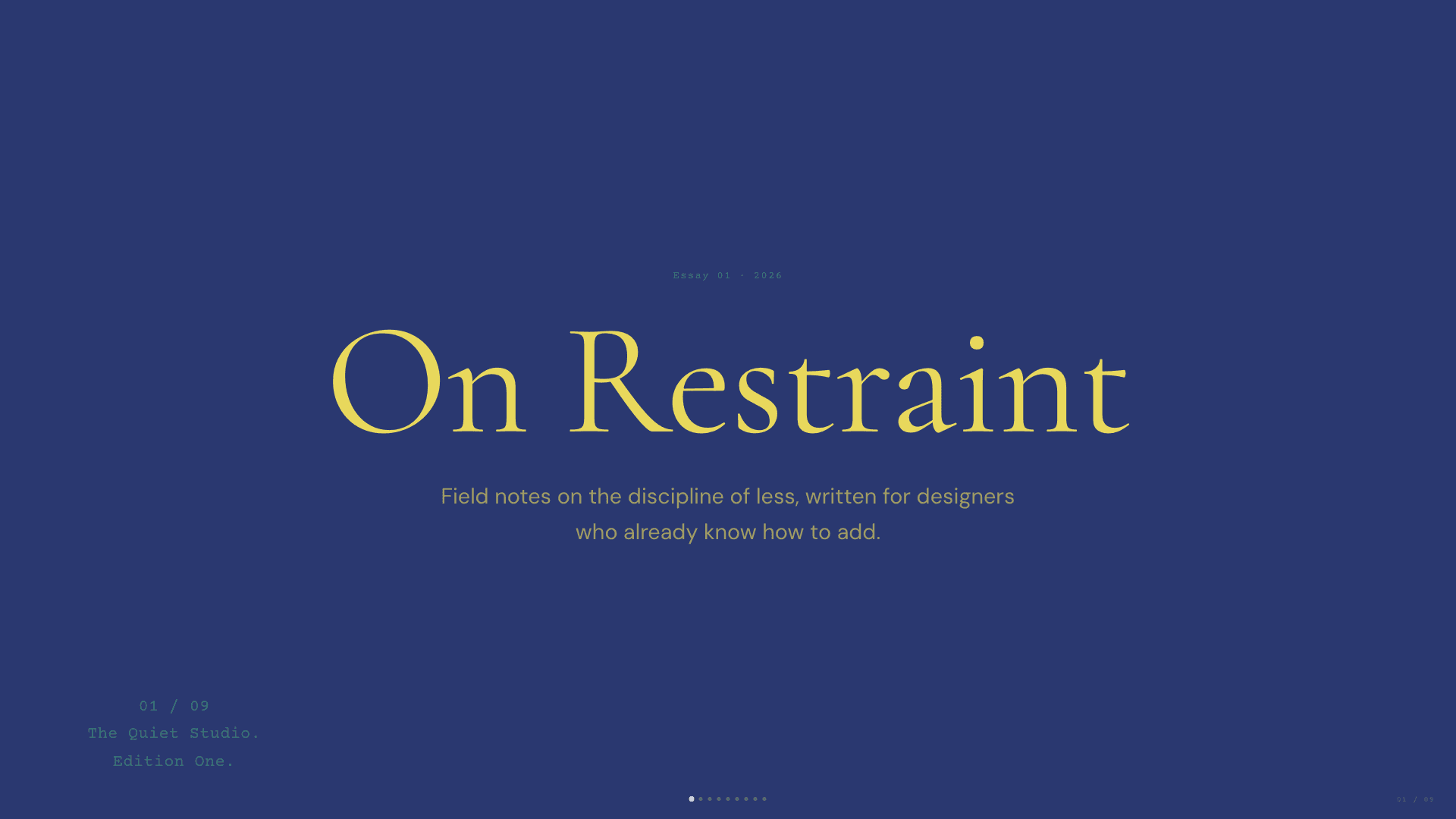
A navy title slide reading On Restraint in a vellum template
Image: Zara Zhang (MIT). Original file

What it does

It asks about your talk and then shows three sample slide styles for you to pick from. It builds the full deck as one HTML file that plays in a browser. It can also convert an existing PowerPoint or improve an HTML deck you already have. Presenters get a stylish 16:9 deck without learning design software.

Choosing a style from real previews feels like working with a designer, and the deck needs no extra software to present.

Before you start

  • An AI agent that supports skills, such as Claude Code or Codex.
  • A web browser
  • Python with python-pptx (only to import PowerPoint files)
  • Node.js (only for PDF export or web publishing)
  • It runs scripts and connects to the internet. Your agent will show you what before installing.
  • Free. Nothing to pay beyond your AI agent's own plan.

How to start

  1. Open your AI agentClaude Code, Codex or another agent that can install skills.
  2. Paste the install requestIt asks your agent to read the files first, explain what they do and wait for your OK.
  3. Give it a first taskDescribe what you want in your own words, and check the first result before relying on it.

Steps follow the creator's instructions.

Stuck setting it up?

Tell us what happened. We confirm scope and price before any paid work.

Get help
View original

Install request

Your browser blocked copying. Select the text and copy it yourself.

Paste this into your AI agent (Claude Code, Codex or similar). It asks the agent to read the files and wait for your OK before installing.