Skip to content

SkillUsage-basedIntermediate

Knowledge Card Series

Turns notes or an article into a set of matching illustrated cards for social posts

View original on GitHub

Install request

Your browser blocked copying. Select the text and copy it yourself.

Paste this into your AI agent (Claude Code, Codex or similar). It asks the agent to read the files and wait for your OK before installing.

A finished card set: wellness tips laid out as four illustrated cards
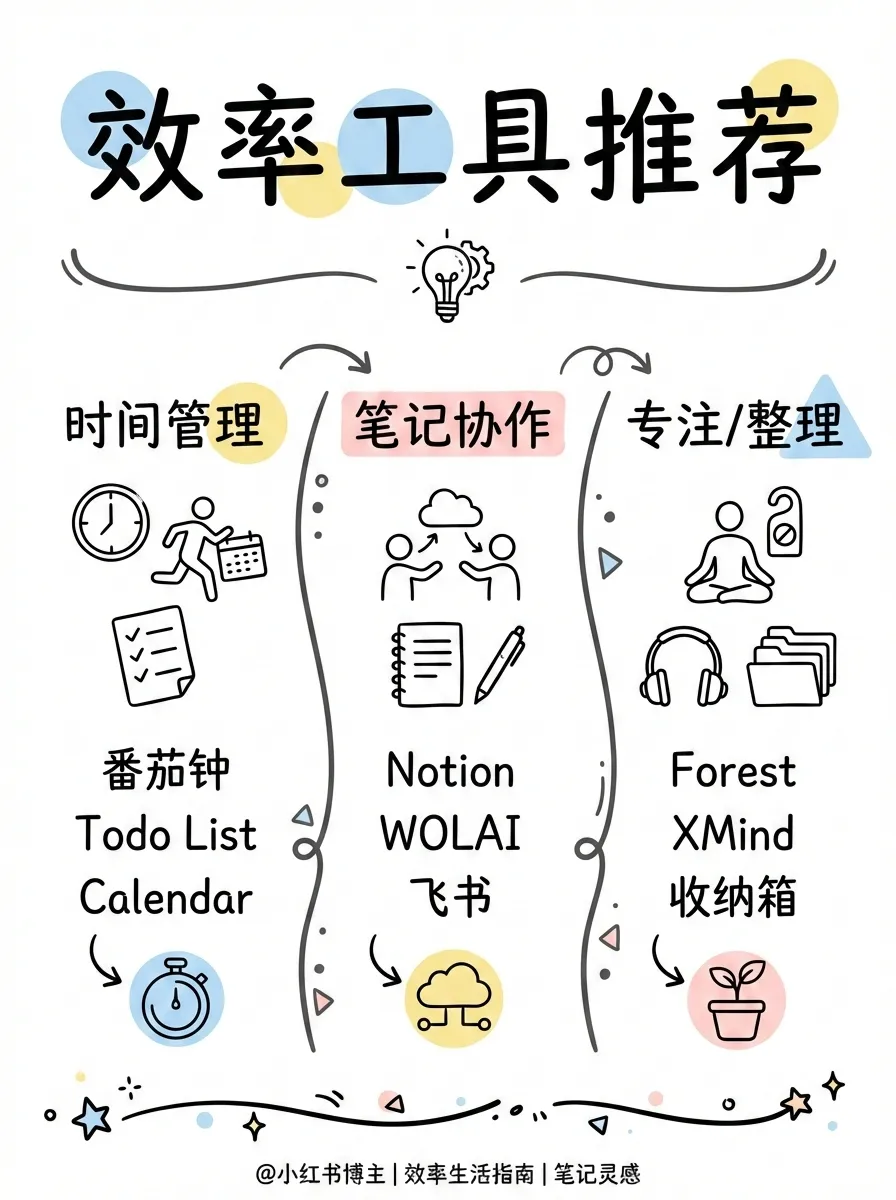
A card on productivity tools in a hand-drawn line style
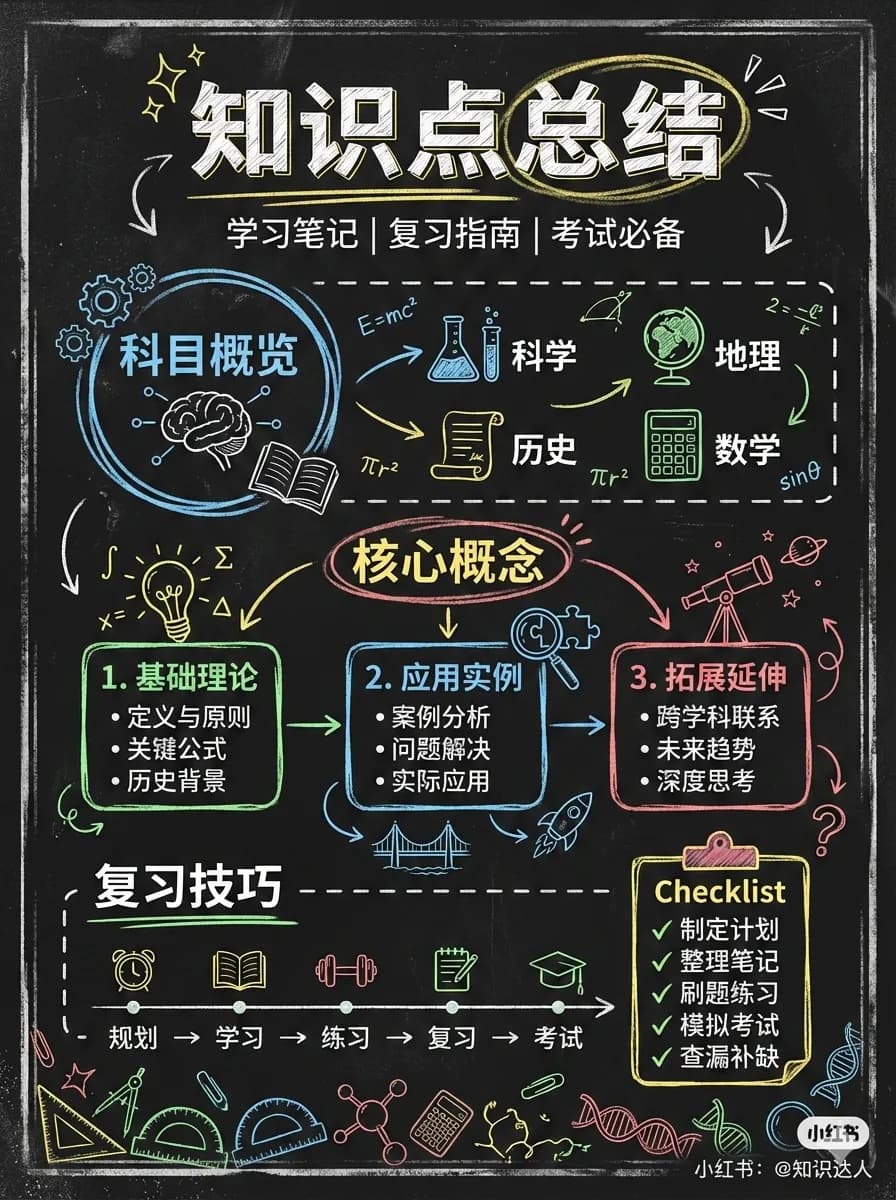
A study summary card in a chalkboard style
A card about small daily pleasures in a warm illustrated style
A vintage fashion guide card in a retro style
Image: Jim Liu (MIT). Original file

What it does

Give it some text and it plans a set of 1 to 10 cartoon-style image cards. It offers 12 visual styles, 8 layouts and 3 color palettes, and the first card is used as the visual reference so the rest of the set matches. Creators and teachers get an outline, a prompt for each card and the finished PNG images.

It makes a polished, consistent set of explainer cards from plain text, the kind of thing people usually pay a designer for.

Before you start

  • An AI agent that supports skills, such as Claude Code or Codex.
  • An image-generation tool or API key (for example Codex image generation, OpenAI or Google)
  • It connects to the internet. Your agent will show you what before installing.
  • Pay per use. The AI service it calls charges for what you use.

How to start

  1. Open your AI agentClaude Code, Codex or another agent that can install skills.
  2. Paste the install requestIt asks your agent to read the files first, explain what they do and wait for your OK.
  3. Give it a first taskDescribe what you want in your own words, and check the first result before relying on it.

Steps follow the creator's instructions.

Stuck setting it up?

Tell us what happened. We confirm scope and price before any paid work.

Get help
View original

Install request

Your browser blocked copying. Select the text and copy it yourself.

Paste this into your AI agent (Claude Code, Codex or similar). It asks the agent to read the files and wait for your OK before installing.