Skip to content

SkillUsage-basedIntermediate

Infographic Designer

Turns text into a single infographic and lets you choose from suggested looks
View original on GitHub

Install request

Your browser blocked copying. Select the text and copy it yourself.

Paste this into your AI agent (Claude Code, Codex or similar). It asks the agent to read the files and wait for your OK before installing.

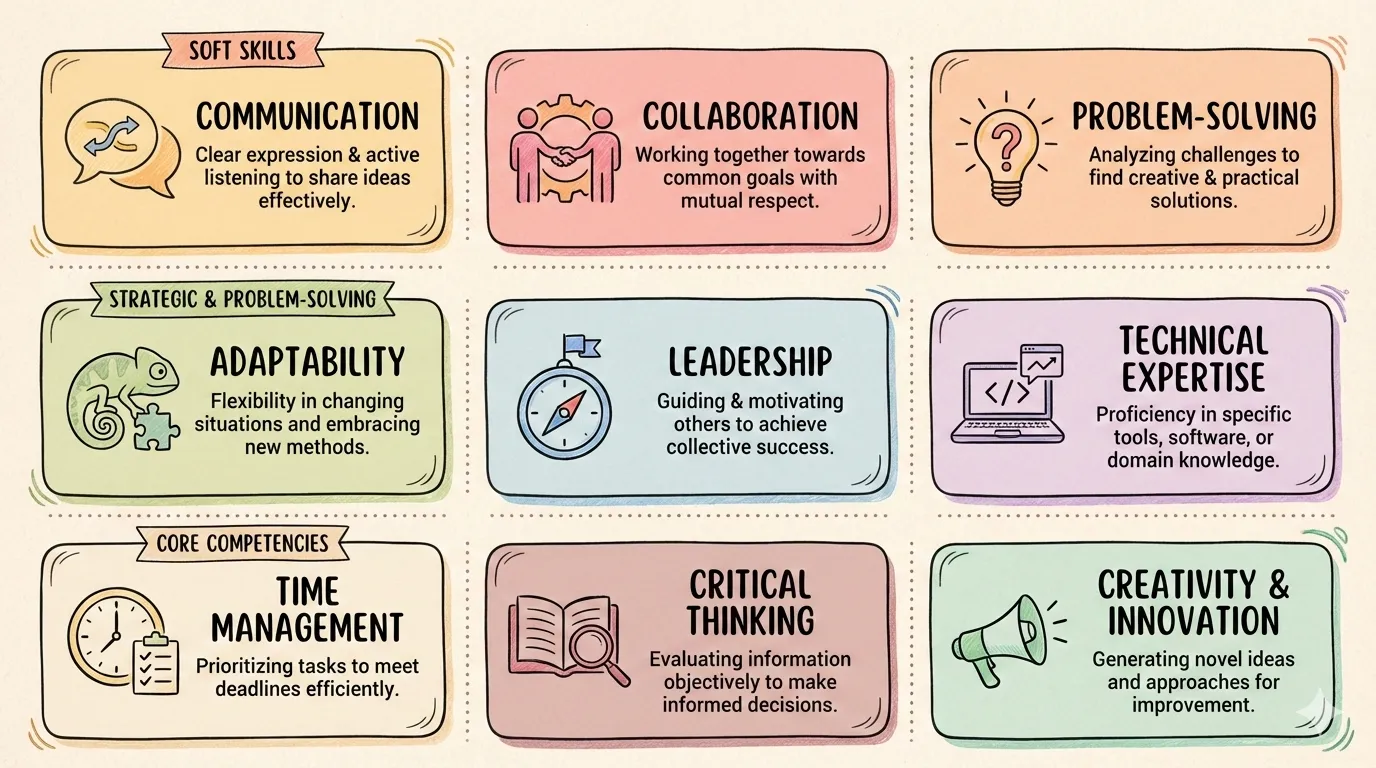
A finished infographic: nine hand-drawn cards on workplace skills
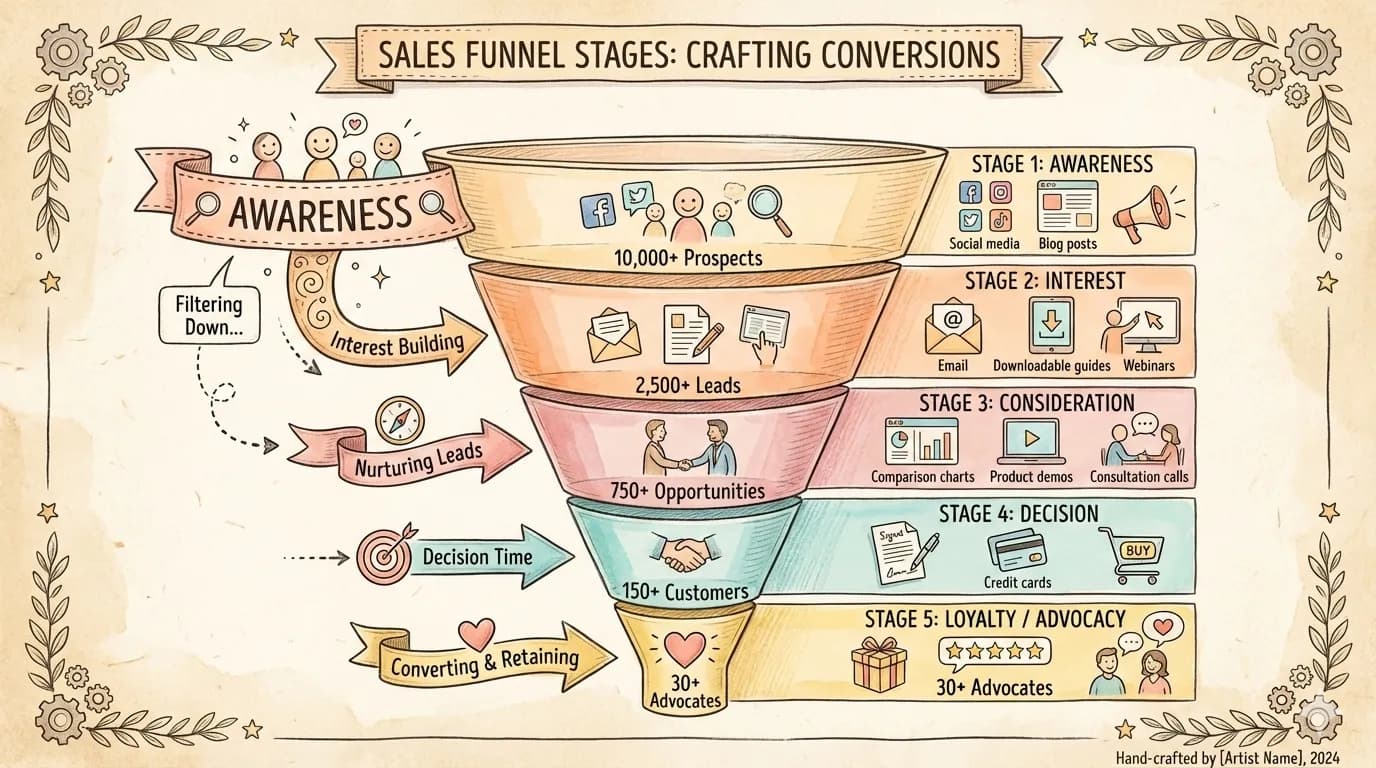
A sales funnel infographic from awareness to advocacy
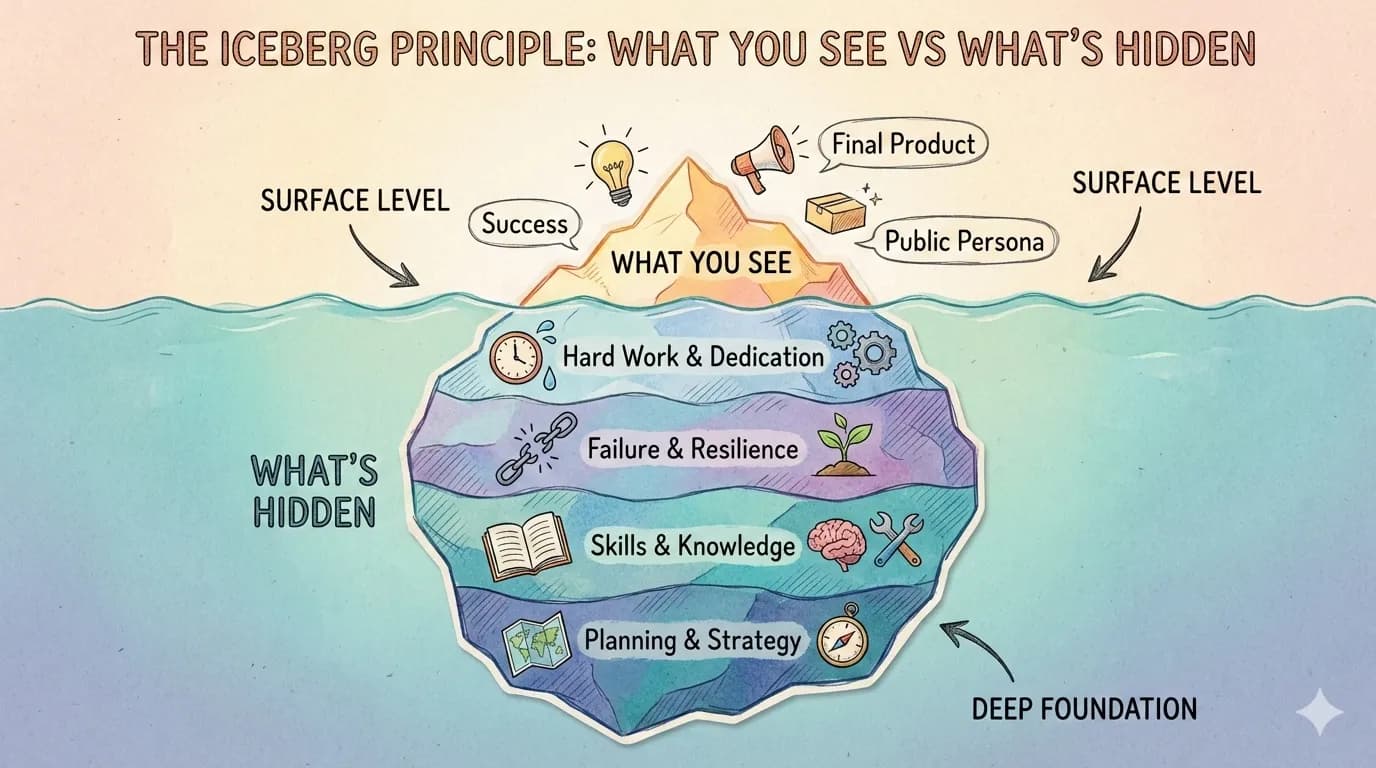
An iceberg infographic contrasting visible success with hidden effort
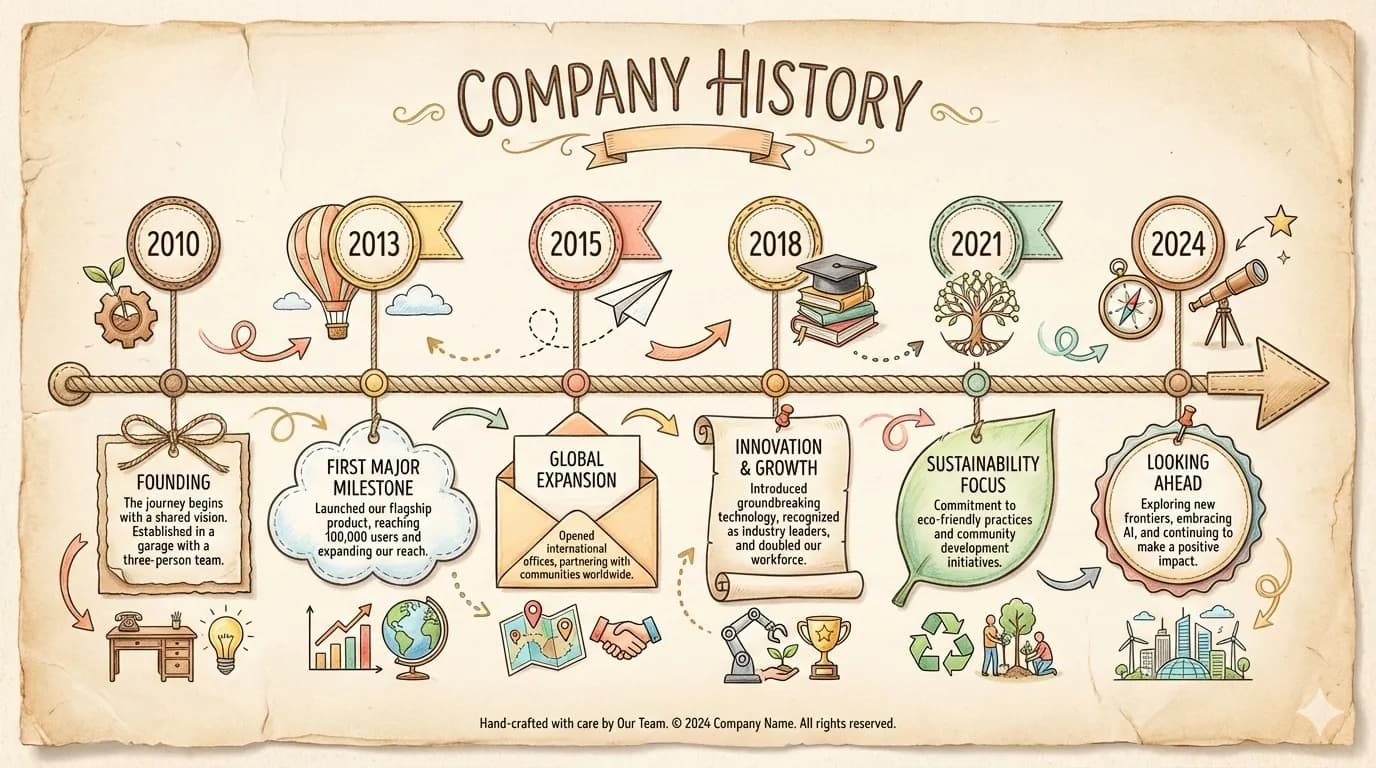
A company history timeline infographic from 2010 to 2024
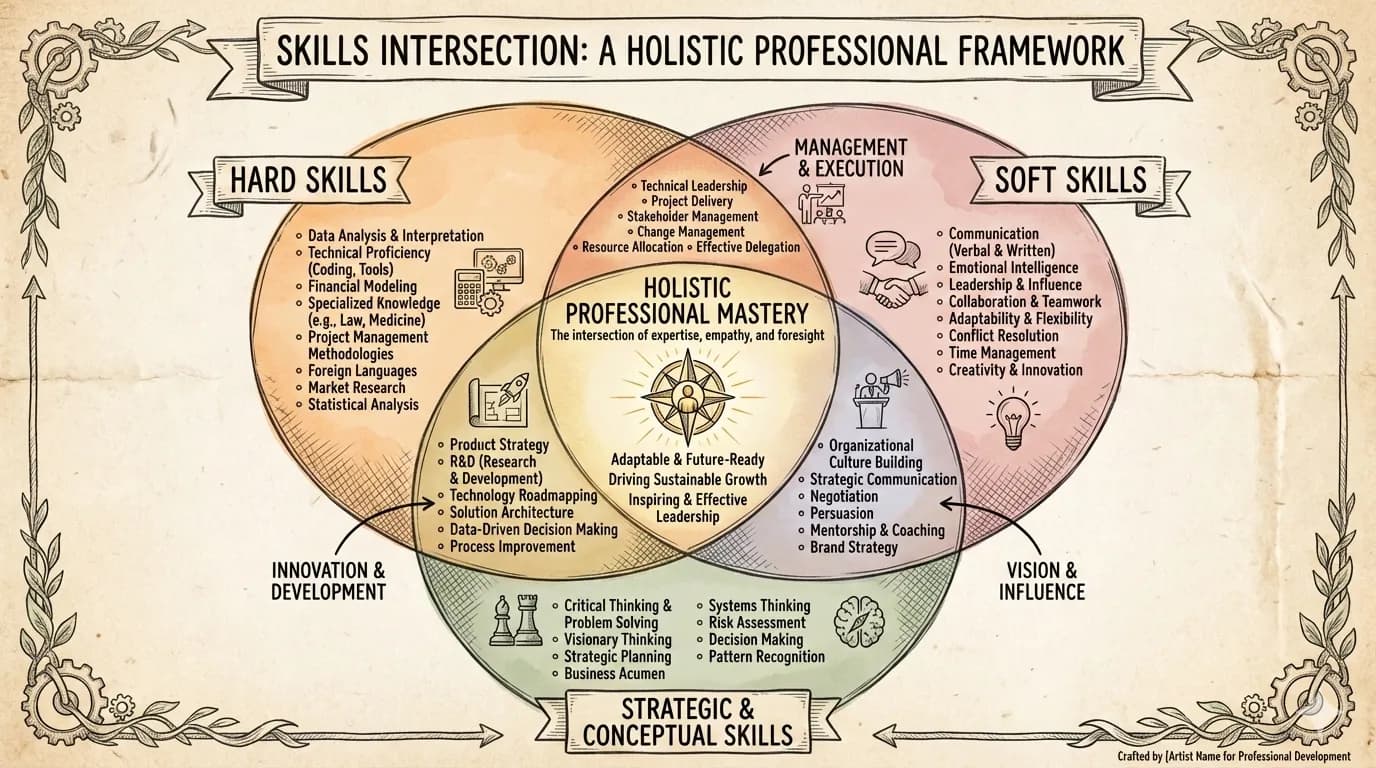
A three-circle Venn infographic of professional skills
Image: Jim Liu (MIT). Original file

What it does

It reads your content and suggests 3 to 5 pairings of layout (timeline, comparison, bento grid and others) and visual style for you to choose from. After you pick, it writes a detailed prompt and generates a finished PNG. It is aimed at people who need one clear, good-looking summary image without design skills.

It has about 21 layouts and 22 styles to mix, and it asks you to choose before it spends credits on generation.

Before you start

  • An AI agent that supports skills, such as Claude Code or Codex.
  • An image-generation tool or API key
  • It connects to the internet. Your agent will show you what before installing.
  • Pay per use. The AI service it calls charges for what you use.

How to start

  1. Open your AI agentClaude Code, Codex or another agent that can install skills.
  2. Paste the install requestIt asks your agent to read the files first, explain what they do and wait for your OK.
  3. Give it a first taskDescribe what you want in your own words, and check the first result before relying on it.

Steps follow the creator's instructions.

Stuck setting it up?

Tell us what happened. We confirm scope and price before any paid work.

Get help
View original

Install request

Your browser blocked copying. Select the text and copy it yourself.

Paste this into your AI agent (Claude Code, Codex or similar). It asks the agent to read the files and wait for your OK before installing.